
Day 4: your first TK999 deposit with bKash, Nagad or Rocket
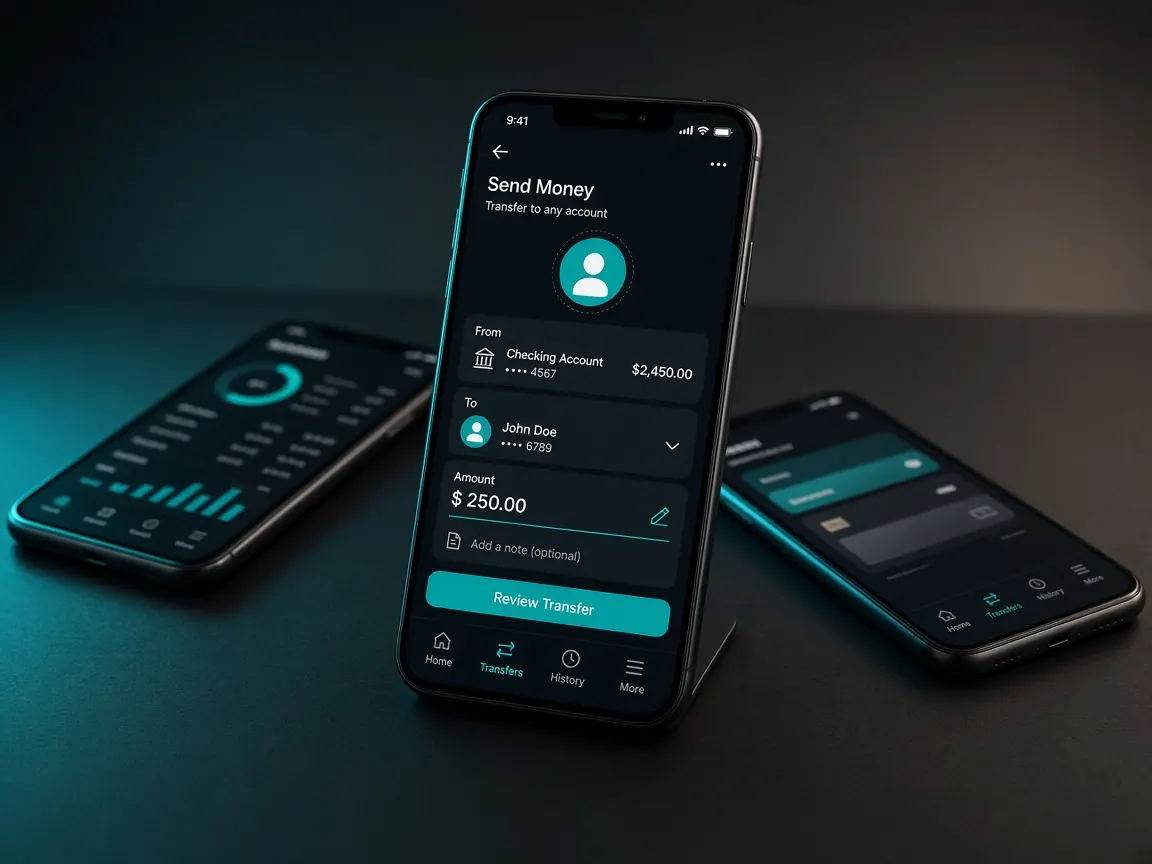
It's day four of your week. Your address is bookmarked, your account is open, and yesterday you logged in and found the cashier button. Today has one job: send a small amount from a mobile wallet in your own name and walk the whole route once. Serious play and bonus decisions are not for today; leave them for tomorrow. Remember, this guide site never takes money; transactions happen only in the official lobby's cashier.
What should I decide before depositing today?
- Which wallet: bKash, Nagad or Rocket — the one opened in your own name that you use every day. A name match may matter later for withdrawals too.
- How much: write today's amount on paper. Choose a sum that wouldn't hurt your groceries or bills if it were all gone.
- When: not in a late-night rush. Sit down when your phone has charge and a decent connection and nobody is hurrying you.
- Where to record it: keep your phone's notes app open. Every transaction goes in there from today.
Which steps do I go through once the cashier is open?
- Open the lobby from your bookmark and log in. Not from a link someone sent you.
- Go to the cashier or deposit section. Tap whatever name the lobby shows — "Deposit", "Wallet" or "Recharge".
- Look at the list of active methods. Pick your wallet from the ones shown as active today. If it's greyed out or closed, use another or come back later.
- Enter the amount. If the cashier shows a minimum or maximum, stay within it. Limits change over time, so we don't write any numbers here.
- If an offer box appears, leave it empty for now. Reading terms is tomorrow's job; the reason is below.
- Send the money following the on-screen instructions. Only to the number or route the cashier shows at that moment, not to a number you saved on another day.
- Enter the TrxID and submit the request, then check its status in the transaction history.
The wallet-side details are in separate lessons: bKash, Nagad, Rocket.
Where do I find the TrxID, and why does it matter so much?
When your wallet transfer completes, a confirmation message arrives. The code of mixed letters and numbers in it is the transaction ID, or TrxID. If no message comes, open the latest entry in your wallet app's transaction list and the code will be there. Copy and paste rather than typing it; one wrong character and it won't match.
This code is your receipt. If anything gets stuck, support will ask for it first. So write the date, amount, method and TrxID on one line in your notes, plus a screenshot of the wallet message.
Should I take a bonus with my first deposit, or wait until tomorrow?
The lobby may show a free signup bonus and a 100% first deposit match; for both, the terms as shown in the lobby are final. The catch is that many offers come with conditions you must meet before withdrawing. Tick one without knowing that and you may be disappointed on day seven. Our advice: today, just learn the deposit route. Tomorrow, on day five, read the bonus lesson and the first deposit bonus lesson calmly, then decide.
Money left my wallet but isn't in my balance — what now?
- Check the status in the lobby's transaction history. If it says "pending", be patient and don't keep refreshing.
- Compare the TrxID you entered with the wallet message, character by character.
- Don't submit a second request with the same receipt; two requests tangle things up.
- If it still hasn't arrived, write one message in live chat: when you sent it, how much, from which wallet, the TrxID and a screenshot. A sample message is in the support lesson.
A few things not to do today at all: send money to a Facebook or Telegram "agent's" personal number (see the agent warning for why), borrow a relative's or friend's wallet, or tell anyone your wallet PIN. Don't treat limits on a banner as final either; what the cashier shows is what counts.
Day four checklist
- The amount deposited stayed within the limit you wrote on paper.
- Your notes have the date, amount, method and TrxID, with a screenshot saved.
- The money shows in your lobby balance, or you've reported it clearly to support.
- You didn't tick any offer without understanding it.
- You've opened the bonus lesson ready for tomorrow.
Questions about your first deposit
Which should I start with: bKash, Nagad or Rocket?
The one in your own name that you're used to operating. Also check which one the cashier shows as active today. Using an unfamiliar wallet for your first deposit raises the chance of mistakes.
Can I save the number the cashier shows?
Better not to. Each time you deposit, use only what the cashier shows at that moment. Money sent to an old saved number or a number someone sent you may not appear in the lobby's records.
Where do I see deposit fees, limits or how long it takes?
In the lobby's cashier, next to the method you choose. These change by method and over time, so don't rely on numbers from a banner or an outside post.
I sent the wrong amount. What should I do?
Don't submit a new request; tell live chat directly how much you meant to send, how much went, and the TrxID. We can't promise any outcome; the lobby's support makes the decision.
What's wrong with depositing from a family member's wallet?
A name match may be requested later for withdrawal or verification, and someone else's wallet complicates that. Use a wallet in your own name from the start.
The day-seven lesson on taking money out: withdrawal. To set your limits before depositing, read responsible play.
Fees, limits and timing shown in the lobby's cashier are final. This site is not official. 18+ only — deposit only what you can afford to lose.