
Day 4 with Nagad in hand: your first TK999 deposit
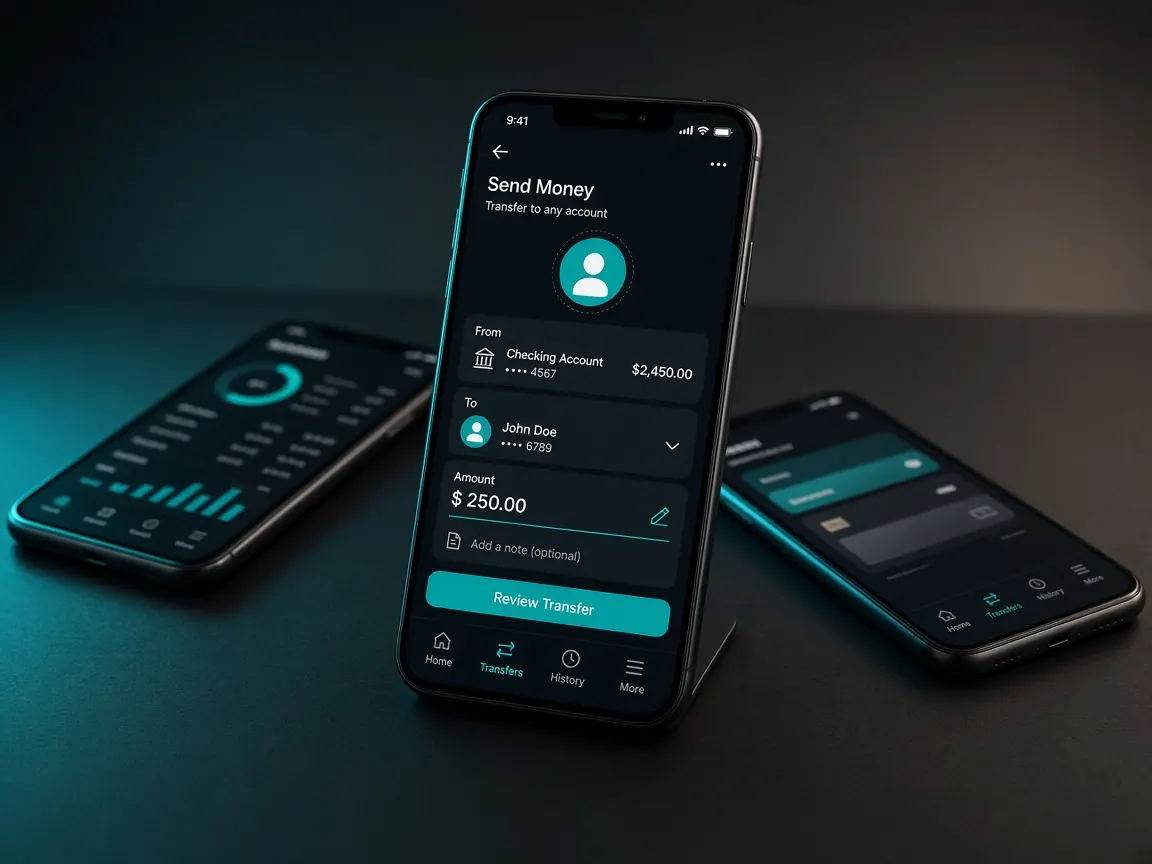
For many people the everyday wallet isn't bKash but Nagad: bills, sending money home, everything goes through it. If that's you, make your day-four deposit with Nagad. One transaction in an app you know is far less risky than opening a new account in an unfamiliar wallet. A reminder up front: this site is only a guide, and money goes only to the official lobby's cashier.
I don't have bKash, only Nagad. Will that work?
The lobby cashier usually lists several mobile wallets, and Nagad is often one of them. But the lobby decides which method is open on which day. If you opened the cashier and looked at the list during your day-three tour, you already know what to expect today. If not, take one look before depositing.
What should I check in the Nagad app before depositing?
- The account is in your name. You'll need this number when withdrawing later, so an account in your own name is simplest.
- Your balance and the wallet's own limits. If Nagad has a daily transaction limit, the app shows it; know it in advance.
- The app is up to date. Old versions can get stuck halfway.
- You remember your PIN. The PIN goes only into the Nagad app, never into another page or a chat.
Depositing with Nagad from the cashier: in what order today?
- Open the lobby from your bookmarked address and log in; continue once you see your balance near the top.
- Go to the cashier or deposit area and choose Nagad from the list of methods.
- Type the amount you decided in advance. If the screen shows a minimum or maximum, follow it.
- Read the lobby's instructions in full once, then go to the Nagad app and make the transaction as instructed.
- When it's done, take a screenshot of the reference or transaction number Nagad gives you.
- If the lobby asks for the number, enter it; then keep an eye on your balance and deposit record.
See Nagad in the lobby cashier
Where is the Nagad transaction number?
When a transaction succeeds, the Nagad app shows a confirmation page, and an SMS usually arrives too. Both contain the transaction number. If the page closes, don't worry; open that transaction in the app's history and you'll find it again. Start the habit today: write the number in your notes "deposit log" next to the date and amount.
The money left my wallet but didn't reach the lobby. What now?
Pause, and don't send again. Open the deposit history in the cashier and see whether the request is waiting or shows as cancelled. Then give the lobby's live chat three things: the transaction number, the amount and the time, with a screenshot of Nagad's confirmation page. Never give anyone your password or PIN. How to write it clearly is in the support lesson.
What shouldn't I do today, and what do I check tonight?
Don't switch on a bonus today. A 100% first deposit match may be available, terms as shown in the lobby, but tomorrow, day five, is set aside for reading those terms (bonus lesson). If someone sends a personal Nagad number and poses as an "agent", ignore it; if in doubt, read the fake site lesson. The withdrawal steps come at the end of the week, in the withdrawal lesson.
- You have a screenshot of Nagad's confirmation page.
- The date, amount and transaction number are in your deposit log.
- Your lobby balance matches, or a message has gone to support.
- You didn't send more than the amount set for today.
If you need another wallet later: bKash lesson · Rocket lesson · all methods on the payments page.
Nagad deposit questions
If I deposit with Nagad, do I have to withdraw with Nagad?
The rule is written in the lobby cashier. In general, though, withdrawing to the wallet you deposited from is the least hassle, because ownership is easy to match.
What if the transaction gets stuck halfway in the Nagad app?
First check Nagad's history to see whether money actually left. If it didn't, nothing is lost; calmly start again. If it did, tell the lobby's live chat with the transaction number.
The lobby's instructions and a number from chat don't match. Which do I follow?
Only what the lobby cashier shows. However trustworthy a number from an outside chat, group or SMS looks, don't send to it.
Is it a good idea to deposit with both Nagad and bKash on the same day?
Not in your first week. Learn the whole path with one wallet; running two at once makes it hard to match which money went where.
How much does depositing cost?
The wallet's own charge shows in the Nagad app, and any lobby-side terms are written in the cashier. We don't write amounts here because they can change.
This is not the official site; it's an unofficial guide. Whatever the lobby cashier shows about deposits, limits and bonus terms is final. 18+ only; to set limits, see the responsible play page.