
TK999 App, Day 6: Get It Safely From the Lobby
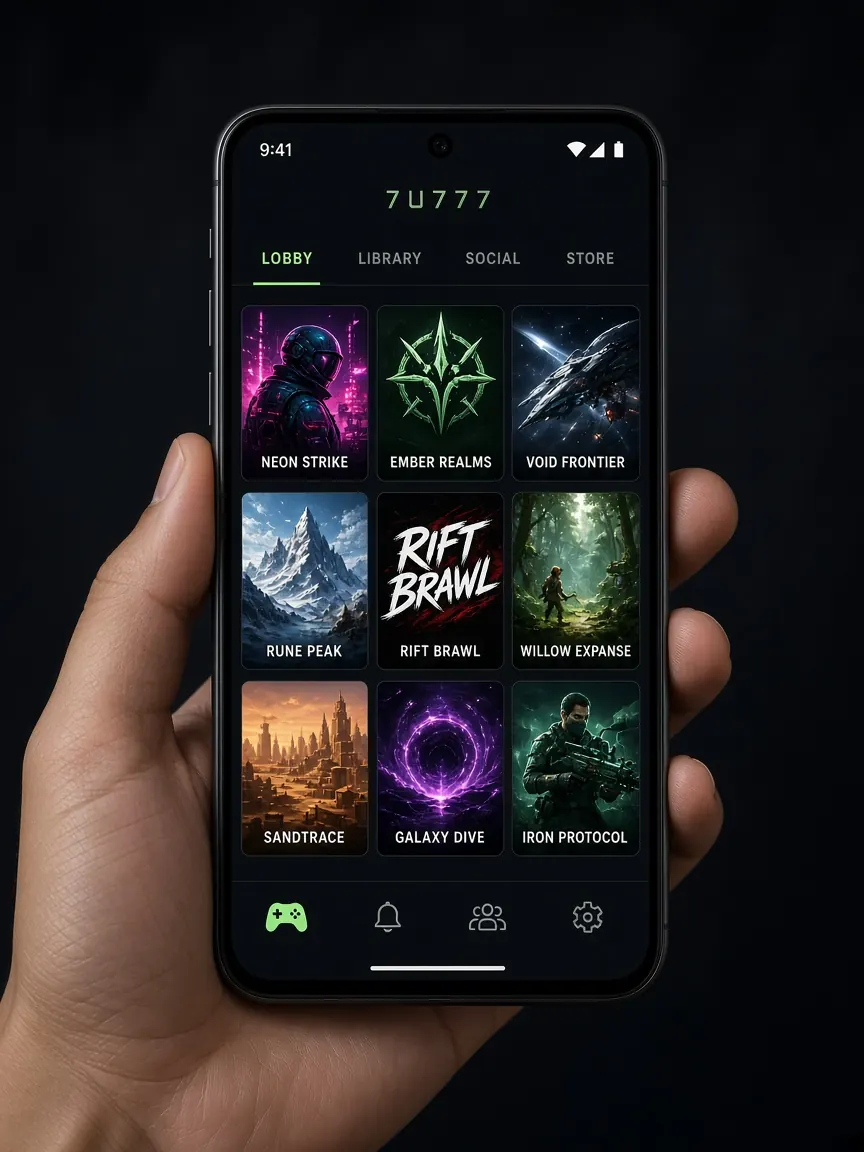
In the first five days you found the address, opened your account, looked around the lobby, read the cashier and bonus terms, and set your own limits. On day six you can think about putting the TK999 app on your phone. Many people search "tk999 app" and download a file from a site they don't know. This lesson is here to keep you away from that mistake. Remember, this is not the official site. The only source for the app is the button inside the official lobby.
Why the app comes near the end of the week
If you go looking for the app on day one, the risk of falling for a fake file is higher, because you don't yet know what the real lobby looks like. After six days you know its menus, colours and address, so anything odd is easy to notice. There's another reason too: an icon on your phone opens the games with one tap. That's why it matters to set your time and money limits on day five, before you get the app. If you haven't done that yet, read the responsible play page first.
First decide: do you need the app at all?
The app is not required. If you open the lobby in Chrome or Safari on your phone, login, the cashier and the games all work. Compare the two and decide for yourself:
- What the app gives you: an icon on your home screen, so you don't need to find the address each time.
- What the browser gives you: nothing to install, no storage used, and the address bar always in front of your eyes.
- A third way: some people choose not to install the app on purpose, so the games are a little less close at hand. That's a good choice too.
On Android, step by step
- Open the lobby from your bookmark or the button on this page, and check the address.
- Inside the lobby, look for the app or download button. It's usually near the top or bottom of the page.
- If the browser shows a warning, check again that you tapped the button inside the lobby, then continue.
- When the download finishes, open it from the notification.
- If your phone asks for permission to install from "unknown sources", allow it only for that browser, then go back and tap "Install".
- Open the app and log in with your own number and password. There's no need to open a new account; details are in the login lesson.
- If you like, turn that permission off again later in Settings.
See the app button in the lobby
What to do on iPhone
If the lobby has a separate button for iPhone, tap it and read every request on the screen before you agree. If there's no button, or it doesn't work, open the lobby in Safari, tap the share icon at the bottom and choose "Add to Home Screen". An icon appears on your home screen that opens the lobby directly.
Safety check: signs of a fake app
- Someone on Telegram, WhatsApp or Facebook sends you a file and says "this is the new app". Never open an APK that arrives in a message.
- The app asks for access to contacts, SMS or your photo gallery, which have nothing to do with playing.
- It asks for your wallet PIN or OTP as soon as it opens.
- An unknown link arrives called an "urgent update".
If you see any of these, don't install. If you already did, delete the app, then open the lobby from your bookmark in the browser and change your password. More examples of fake pages and files are in the fake sites lesson.
Common problems
It won't install
Check that your phone has free storage. If an older version is installed, remove it and try again. If the download stopped halfway, the file may be broken, so download it again from the lobby button. More fixes are in the download problems lesson.
The app opens and then closes
Restart your phone once and check for a system software update. If it still won't run, use the browser for now and tell the lobby's live chat.
I can't find it on the Play Store
Apps like this may not be in the store. Don't assume an app with a similar name in the store is the real one; the lobby button is the path to trust.
Tomorrow is day seven: look back at your week
On the last day, don't start anything new. Look back instead: is your bookmark still right, is your password safe, and are you keeping to the limits you set? Read how money is taken out in the withdrawal guide. If you have questions, see the help page or the support guide. The plan for the whole week is on the home page.
Questions about the app
Do I need a separate account for the app?
No. The same number or username and password you use in the browser work in the app. Registering again for the app would give one person two accounts, which can cause trouble later with verification or withdrawals. Just open the app and log in.
Where should I get new versions or updates of the app?
From a notice inside the app, or from the app button in the lobby. If someone sends an "update" link or file in a message, don't open it, even if it shows the brand name. If you're unsure, open the lobby from your bookmark in the browser and get it fresh from there.
If I delete the app, does my account or balance disappear too?
The app is only a door into the lobby; your account lives in the lobby. So even after deleting the app, you can log in from the browser with the same number and password and see your balance. To be sure, log in once in the browser before you delete it.
Do I have to allow notifications and other permissions the app asks for?
Notifications are your choice. They aren't needed to play, and a lot of them can make you want to play more. If the app asks for contacts, SMS or gallery access, say no and be suspicious; it may not be the real app.
What should I do with the app if I want to play less?
The simplest step is to delete the app from your phone, or at least move it off your home screen and turn off notifications. If the lobby has a limit or break setting, turn that on as well. If you feel under pressure, talk to someone close to you. More advice is on the responsible play page.
Get the app from the official lobby
This site is not official. The app button, version and features shown in the lobby are final. Because playing on a phone is so easy, time and budget limits matter even more. 18+.