
Day 6: installing the TK999 app on your phone
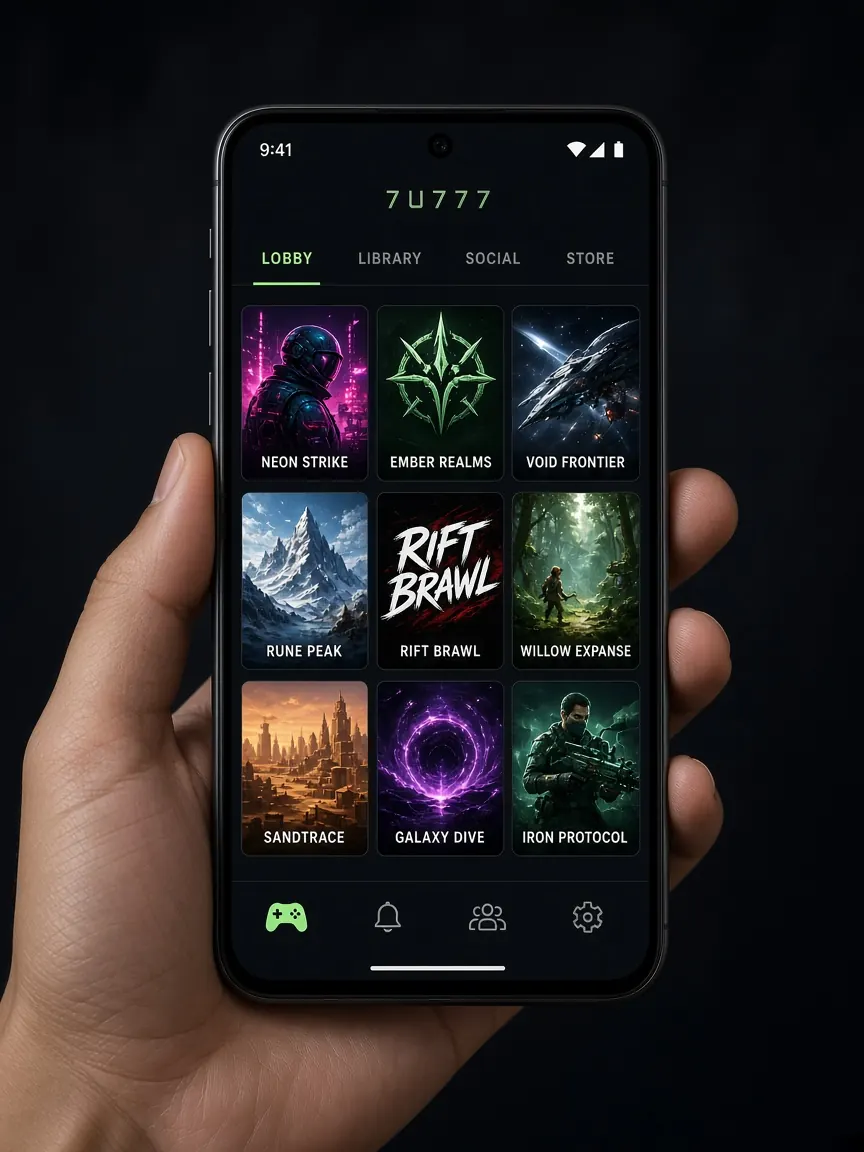
Many people are in a hurry to download the app on day one, but we deliberately put it on day six. By now you know the lobby's look, menus and cashier in the browser, so if you open a fake app the mismatch will stand out. Today you install the app only from the official lobby's Android or iOS button. This guide site doesn't provide any APK file and keeps no download link.
If you searched TK999, tk999 or TK 999
People look the brand up as TK999, tk999, TK 999 or TK999 BD. The app file is the same lobby download for all of those spellings. Install only from the Android or iOS button inside the lobby you open from this page. If a download page uses a close spelling but the file did not come from that lobby button, do not install it.
Why day six for getting the app?
Search "TK999 apk" and all sorts of pages come up, and their files don't all come from one source. Some files look like the real app but may contain code that steals passwords, OTPs or wallet details. After five days of using the lobby, you know what the real login page looks like, where the balance shows and where the cashier is. If any of that feels unfamiliar when you open an app, that's your warning sign.
What should I check on my phone before starting today?
- Whether your phone has some free space; if not, remove old videos or apps you don't need.
- Wi-Fi or good mobile data, so the file doesn't stop halfway.
- That you remember your lobby number or username and password, because you'll log in again in the app.
- Charge; if the phone switches off mid-install you have to start again.
How do I install on Android from the lobby button?
- Open the lobby from your bookmark. Match the address with the one you wrote down on day one.
- Find the lobby's Android button. It's usually in the header or on the home page. Tapping it starts the download.
- Read any permission message. Android often says installs from this source are blocked. Allow only the browser you're downloading with, not the whole phone.
- Open the file and install. When the download finishes, open the file from the notification or the downloads folder.
- Take the permission back. After installing, you can go to settings and switch that browser permission off again.
Open the lobby's download button
What if I use an iPhone?
Tap the iOS button in the lobby and follow only the instructions shown there, whether that's a store or another method. The instructions are written in the lobby. Don't install a profile on your iPhone that was sent from another site or a chat, because profiles can control many phone settings. If there's no iOS button, you can open the lobby in your browser and keep a shortcut on your home screen.
What should I check first after opening the app?
- Enter your existing number and password on the login page; don't open a new account for the app.
- Check that your balance and deposit history match what you saw in the browser.
- If it asks for notification permission, it's your choice; you can switch it off later in settings.
- If the app ever asks for your wallet PIN, close it at once and delete it.
If the install gets stuck, restart your phone and download again from the lobby button. If it still fails, write to the lobby's live chat with your phone model; how to do that is in the support lesson. Everything works in the browser without the app too, so there's nothing to worry about if you get stuck. More about the app: app page.
End-of-day-six checklist
- The app came only from the lobby button.
- You logged in to the app and your balance matched.
- The browser's "unknown sources" permission is switched off again.
- Tomorrow, day seven, is withdrawal and the week's accounts: withdrawal lesson.
App questions
Why can't I find TK999 on the Play Store?
Where the app can be downloaded from is explained at the lobby's Android button. If you see another app with a similar name in a store, don't install it unless you're sure it's genuine.
Someone sent me the app file on Telegram. Should I open it?
No. However genuine an APK file from a chat looks, don't open it. Download only from the lobby button. Ways to spot suspicious pages are in the fake site lesson.
Do the app and the browser need separate accounts?
No, it's the same account. You can sign in to both with the same number or username and password. Opening a new account would give you two separate balances.
How do I update the app?
If the app itself prompts an update, follow that, or download the new version from the lobby button. Don't follow any outside "new version" link.
Is it OK to keep the app on a shared phone?
Avoid it. If you must, don't save your password and log out when you're done. To keep to your time limits, see the responsible play page.
The app button in the official lobby
This is not the official site, only a learning guide. The app, login and cashier are only in the official lobby. 18+ only.