
TK999 Login, Day 3: Your First Sign-In Step by Step
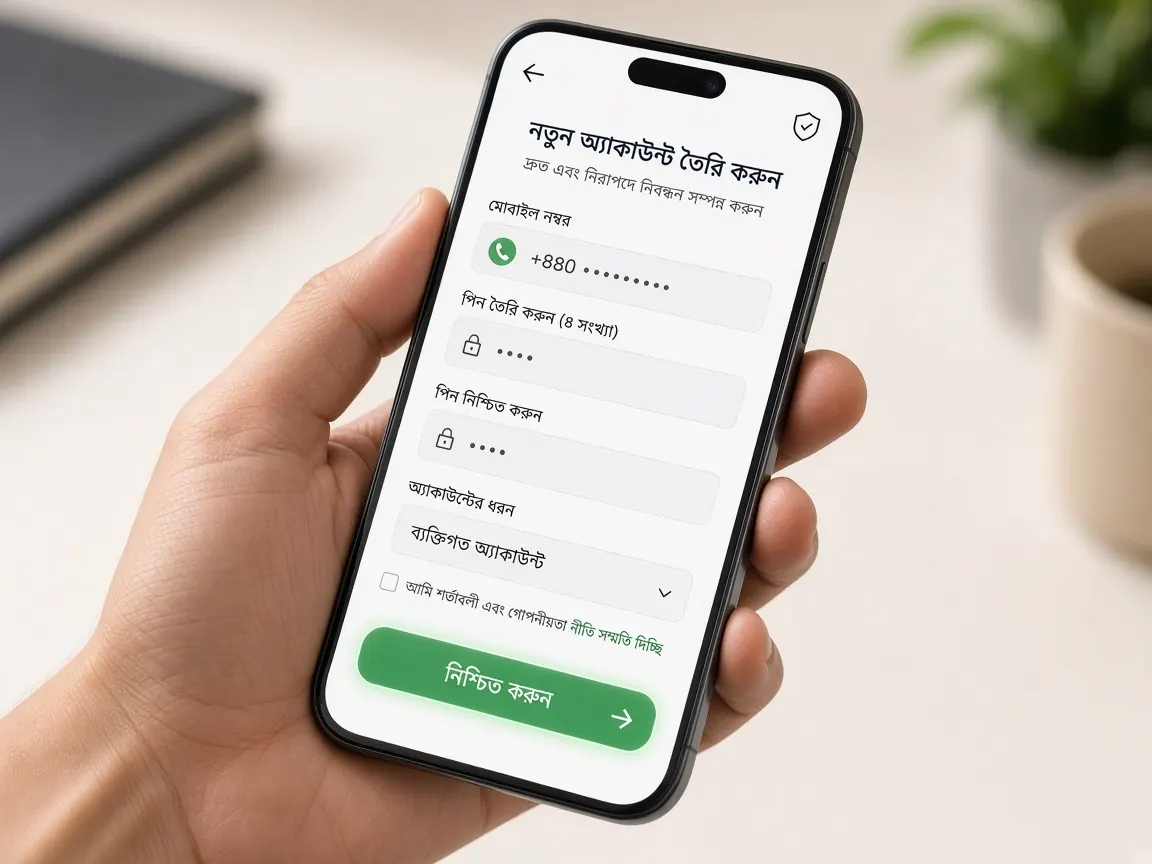
By day three you have a bookmark for the real address and a brand-new account. Today you'll log in calmly for the first time and get to know the inside of the lobby. Many people in Bangladesh search for "tk999 bd" or "tk999 login" and type their number and password into whichever page shows up first. You won't do that. Remember, this guide site has no login form. Login happens only in the official lobby.
Why login gets its own day
Registration day is exciting, so many people deposit and start playing the same day without knowing the menus. We gave login a separate day so you can look around the lobby with a clear head and no money in it. Your balance will be zero today, and that's a good thing: even if you tap the wrong button, there is nothing to lose.
Have these ready before you log in
- The mobile number or username you used to open your account yesterday.
- Your password, which only you know.
- The phone with your registered SIM, because a new device may ask for an OTP.
- A working internet connection. On a weak network, a half-loaded page can show a false error.
Your first login, step by step
- Open the lobby from your bookmark or the button on this page. Compare the address with the one you wrote down on day one.
- Tap "Login" or "Sign in". Don't tap the "Register" button next to it; your account was already made yesterday.
- Type your number or username. Exactly as you typed it when you registered, with no extra space at the start or end.
- Enter your password. Capital and small letters count as different. If there's an eye icon, tap it to check.
- If it asks for a code, type the OTP yourself. Enter the code from your phone only in the lobby's box, and never tell it to anyone.
- Tap the login button once. Then let the page load. Tapping again and again only causes trouble.
A ten-minute tour once you're inside
No playing today, only learning where things are. Sit down with a notebook, find each of these and write down where it is:
- Balance: usually near the top. A new account showing zero is normal.
- Cashier or Deposit button: tap it only to see which methods are available. Don't send anything. Tomorrow is all about this.
- Promotions: find where the "terms" or "details" link sits under each offer.
- Profile: check that your number is saved correctly.
- Live chat: usually a small icon in a corner. This is where you write if you have a problem.
- Limits or responsible play settings: if there are any, note where they are. You'll need them on day five.
At the end, log out once and log back in. That way you know you remember your password.
Logging in on your phone: stay in the browser today
Log in from your phone's browser today. We saved the app for day six, because by then you'll know what the lobby looks like and can spot a fake app easily. If the browser asks "Save password?", say yes only on your own personal phone, never on a shared one.
Safety check
- A login only needs your number or username, your password and sometimes an OTP. If a page asks for your bKash, Nagad or Rocket PIN during login, close it at once.
- If you log in on someone else's phone, always log out when you're done.
- Don't reuse an old password from any other site here.
- If someone asks for your code or password by SMS or Telegram, that is not support. For brand news: TK999.
More ways to spot a suspicious page are in the fake sites lesson.
If you get stuck: common problems
It says "wrong password"
Check whether Caps Lock or a Bangla keyboard is on, and check your number again. After three or four wrong tries, stop, because repeated attempts can lock the account for a while. Then use the "Forgot password" option on the login screen.
The OTP isn't arriving
Check that your SIM has network, wait a little and tap "Resend". If your message inbox is full, delete some messages to make room.
The page is blank or won't load
Close and reopen the browser, or try another browser with your bookmarked address. If it still fails, tell the lobby's live chat; how to write to them is in the support guide.
Tomorrow is day four: the cashier and bonus terms before your first deposit
Tomorrow you'll sit down with the cashier button you found today. Before depositing, read the payments lesson and the guide for your wallet: bKash, Nagad or Rocket. How to read bonus terms is in the bonus lesson. If you haven't opened an account yet, finish the register lesson first.
Questions about logging in
I've completely forgotten my password. How do I make a new one?
On the lobby's login screen, tap "Forgot password" and enter your registered number. Type in the code sent to that number and set a new password that isn't like any old one. If the option doesn't work, tell the lobby's live chat, but don't type your old or new password there either.
My balance shows zero after logging in. Did something go wrong?
No, zero is normal before your first deposit. There is a free signup bonus, but when, where and how it appears is written in the terms in the lobby's promotions section. If the terms still aren't clear, read the signup bonus lesson or ask live chat.
I only remember my mobile number, not my username. What can I do?
If the login box lets you sign in with your number, use that. If not, ask the lobby's live chat for help and give them your number so they can find your profile. Sharing your number or username is fine, but never share your password, OTP or wallet PIN.
Is it safe to stay logged in on both my phone and my laptop?
On your own devices it's usually fine, but it's a good habit to log out of the one you're not using. If other people also use a device, don't save your password on it. If you ever suspect a login you don't recognise, change your password straight away.
I lost my phone while I was logged in. What should I do?
Log in from another device using your bookmarked address and change your password, then tell the lobby's live chat. If the same phone had bKash, Nagad or Rocket on it, contact help for that wallet quickly as well. Go to your mobile operator's customer care to block the SIM.
This is not the official site; it is only a learning guide. Login, balance and the cashier are only in the lobby. Set your time and money limits before you play. 18+.