
Day 4: your first TK999 deposit with bKash
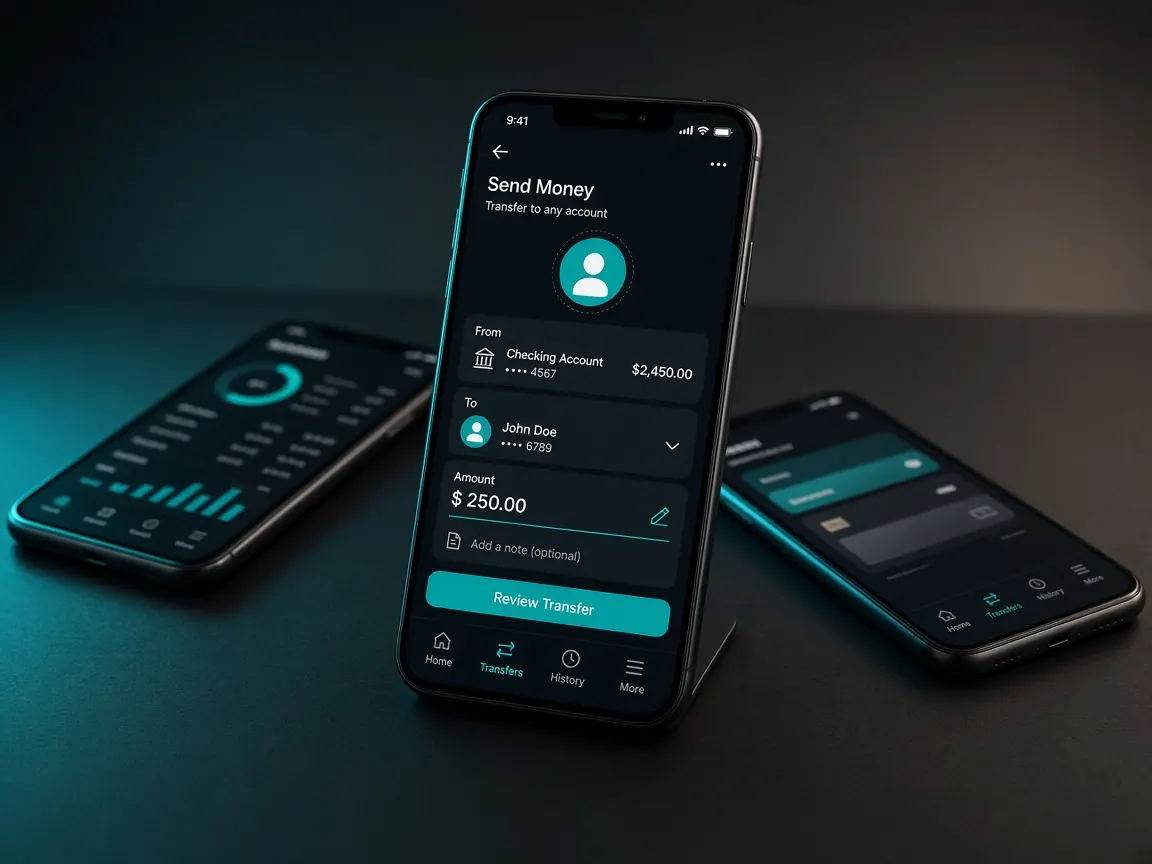
In the first three days you bookmarked the real address, opened an account and looked around the lobby without any money. Today is day four, the day you send money from bKash for the first time. There's no rush; today has one job: finish one small deposit properly and keep the proof in order. Remember, this guide site never takes money. Deposits happen only in the official lobby's cashier.
What should I get ready this morning?
Give ten minutes to preparation before you deposit. If anything goes wrong later, this preparation is what saves you.
- A bKash account in your own name: check that the account you'll send from is yours and has the balance you need. You'll use this same number later when withdrawing.
- Today's amount: write down how much you'll send. Pick an amount you could lose without hurting household spending.
- A note: open a page called "deposit log" in your phone's notes app, with four columns: date, amount, wallet and transaction ID.
- A quiet moment: not on a bus or in a crowd, but a time when you can focus on the screen.
Where is bKash in the lobby cashier?
On day three you found the cashier or deposit button. Today, open the lobby from your bookmark, log in and press that button. Look for the bKash name or logo in the list of payment methods. If bKash isn't in the list on a given day, don't force it; check again later, or read the Nagad or Rocket lesson.
First bKash deposit: what are today's steps?
- Choose bKash and type the amount. Exactly the amount you wrote down this morning. If the cashier shows a limit, stay inside it.
- Read the on-screen instructions, then act. Follow only what the lobby tells you: which number, which method or which page. Never a number you got somewhere else.
- Enter your PIN only in the bKash app. The lobby and other pages will not ask for your bKash PIN. If one does, stop there.
- Keep the receipt. After sending, take a screenshot of the message or receipt bKash gives you. Copy the transaction ID into your deposit log.
- Enter the ID if the lobby asks. Sometimes the cashier asks for it; copy it in exactly, with no extra spaces.
- Check your balance, once. Refresh the page and look at your balance and deposit history. Don't keep pressing the same button.
Open bKash in the lobby cashier
If the amount doesn't show in your balance right away, the first rule is: don't send money a second time. Sending twice doesn't fix anything; it just gives you two transactions to trace. Open the deposit record in the cashier and see whether the request is waiting. If it still hasn't changed after a while, write to the lobby's live chat: when you sent it, how much, and the transaction ID, with the receipt screenshot. How to write a short, clear message is in the support lesson.
What should I leave for later on day four?
- Deciding on a bonus: a 100% first deposit match may be shown, with terms as shown in the lobby. But don't tap it today without reading the terms; tomorrow, day five, you'll sit down with the bonus lesson.
- Bigger amounts: even if the first deposit arrives fine, don't send any more money today.
- Withdrawing: the withdrawal steps are saved for the last day of the week, in the withdrawal lesson.
Someone calling themselves an "agent" gave me a number. Should I send?
No. If someone on Telegram, Facebook or SMS gives you a personal bKash number and says "send here, it's faster", that's not the lobby cashier. If someone asks for your PIN or OTP to "verify" a screenshot, don't reply either. If in doubt, read the fake site lesson again.
A short checklist for tonight
- Today's date, amount and transaction ID are in your deposit log.
- The bKash receipt screenshot is saved in its own album.
- Your lobby balance matches the deposit record, or you've messaged support.
- You didn't go past the amount you set for today.
bKash deposit questions
Can I deposit into my account from someone else's bKash?
Better to avoid it. When withdrawing, or if the lobby asks for proof during a problem, having a wallet in your own name makes things simple. If you must use a family member's number, ask the lobby's live chat first.
What if I lose the transaction ID?
Open that transaction in your bKash app's history and the ID shows again. If an SMS arrived, it's there too. That's why it's worth starting the habit of copying it into your log today.
Why isn't bKash listed in the cashier?
The lobby decides which methods are open and when. If it isn't showing today, check later or use another wallet. If someone sends you an "alternative number", don't use it.
I sent the wrong amount. What now?
Don't send again to try to balance it out. Write to live chat explaining exactly what happened, with the receipt screenshot and transaction ID. Support will tell you what can be done under the lobby's rules.
Do I have to play straight after depositing?
No. Once you see the balance arrive, you can call today's job done. Before playing, set a time and money limit; how to do that is on the responsible play page.
This is not the official site, only a learning guide. Deposits, balance and bonus terms are visible only in the lobby cashier. 18+ only; play within your own limits.