
Day 4: your first TK999 deposit with Rocket
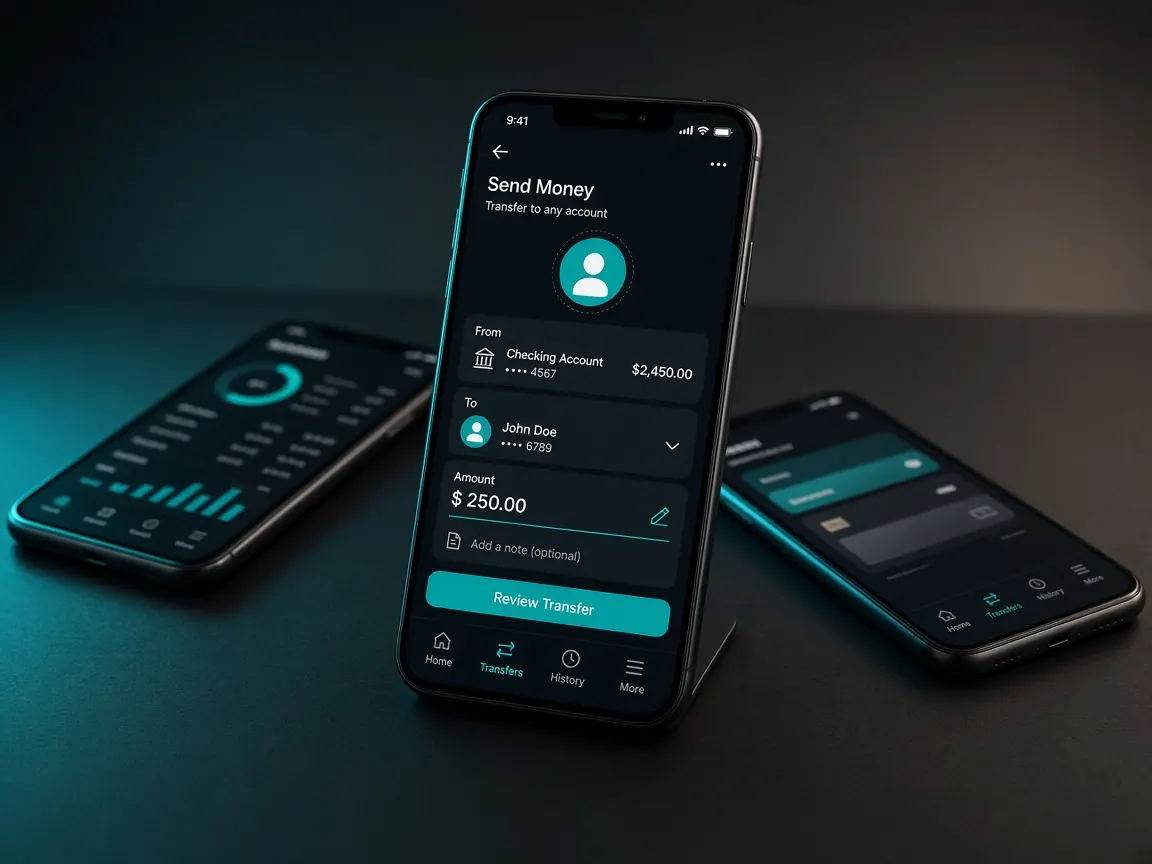
For people whose salary or banking runs through Dutch-Bangla Bank, Rocket is often an old companion on their phone. Day four of your first week is deposit day, and if Rocket is what you have, this page is for you. Today we keep one goal: one small deposit, one clean record. This site is an unofficial guide; money is sent only by following the official lobby cashier's instructions.
What do I need to know before depositing with Rocket?
Rocket works through both the app and USSD dialling. With the app it's easier to keep screenshots, so the app is the better choice the first time. If you send by dialling, don't delete the SMS that arrives at the end. Also, your Rocket number has one extra digit at the end; when you type the number into the cashier or, later, the withdrawal form, check it wasn't left off. An account in your own name makes matching ownership easy when you withdraw later.
What should I have to hand for today's deposit?
- The Rocket app, or a SIM you can dial from, and the balance you need in the wallet.
- Today's amount, written down. Make it an amount you could lose entirely and be fine.
- A "deposit log" in your phone's notes: columns for date, wallet, amount and reference number.
- The spot where you found the cashier button on day three.
What do I do after choosing Rocket in the cashier?
- Enter the lobby. Open it from your bookmark and log in. Don't open any link from search results today.
- Choose Rocket in the cashier. If it isn't in the list, the method isn't open today; check another day or use another wallet.
- Enter the amount. If the lobby shows a limit, stay inside it.
- Send as instructed. Using only the details the lobby shows, complete the transaction in the Rocket app. Your PIN goes only into Rocket.
- Save the reference. Write the number you get after the transaction into your log and take a screenshot. If the lobby asks, enter it in the box.
- Match the record. Check the request's status in the cashier's deposit history, then your balance.
Start a Rocket deposit in the lobby
What mistakes do new players make with Rocket deposits?
- Sending twice in a hurry. If the balance is slow and you send again, you have two transactions to match. Check the record first, then contact support.
- Deleting the SMS. If you sent by dialling, the SMS is your only proof.
- Sending to an outside number. If someone in a group or inbox says "pay this Rocket number", that's not the cashier. You can follow brand news here: TK999, but always take the deposit number from the lobby itself.
- Mixing up deposits and withdrawals. Withdrawing has its own steps, on the last day of the week: withdrawal lesson.
If the balance is slow to arrive, who do I tell and what?
The lobby's live chat is the only right place. In your message, write when you sent it, how much and the reference number, and attach the screenshot or a photo of the SMS. These three details work much faster than "why hasn't my money arrived". You'll find a sample message in the support lesson.
End-of-day-four checklist
- The reference number is in your log and the screenshot is in your album.
- The lobby's deposit record and balance match, or you've messaged support.
- You haven't tapped a bonus yet; tomorrow you'll read the terms of the 100% first deposit match, as written in the lobby, with the bonus lesson.
- You made no new deposit beyond today's amount.
Lessons for other wallets: bKash · Nagad · the full picture on the payments page.
Rocket deposit questions
Can I deposit by dialling if I don't have the Rocket app?
Rocket itself offers a dial method, but first check which route the lobby's instructions ask for. If you send by dialling, be sure to keep the final SMS.
Rocket isn't showing in the cashier. What should I do?
The lobby decides which methods are open and when. Check again later or use bKash or Nagad. If someone outside offers an "alternative Rocket number", don't take it.
I typed my number without the extra digit. Will that be a problem?
If you catch it before starting the transaction, just fix it. If you notice after the money has gone, tell the lobby's live chat right away with the reference, and get help from Rocket's own helpline.
When else will I need the deposit reference number?
If a deposit doesn't show, when matching ownership during a withdrawal, and for your own accounts at the end of the month. So keep the log going all week.
This is not the official site, only a learning guide. Whatever the lobby cashier shows about deposit methods, limits and terms is final. 18+ only; to set limits in advance, see the responsible play page.