
TK999 forgot password? Getting back in on any day of your first week
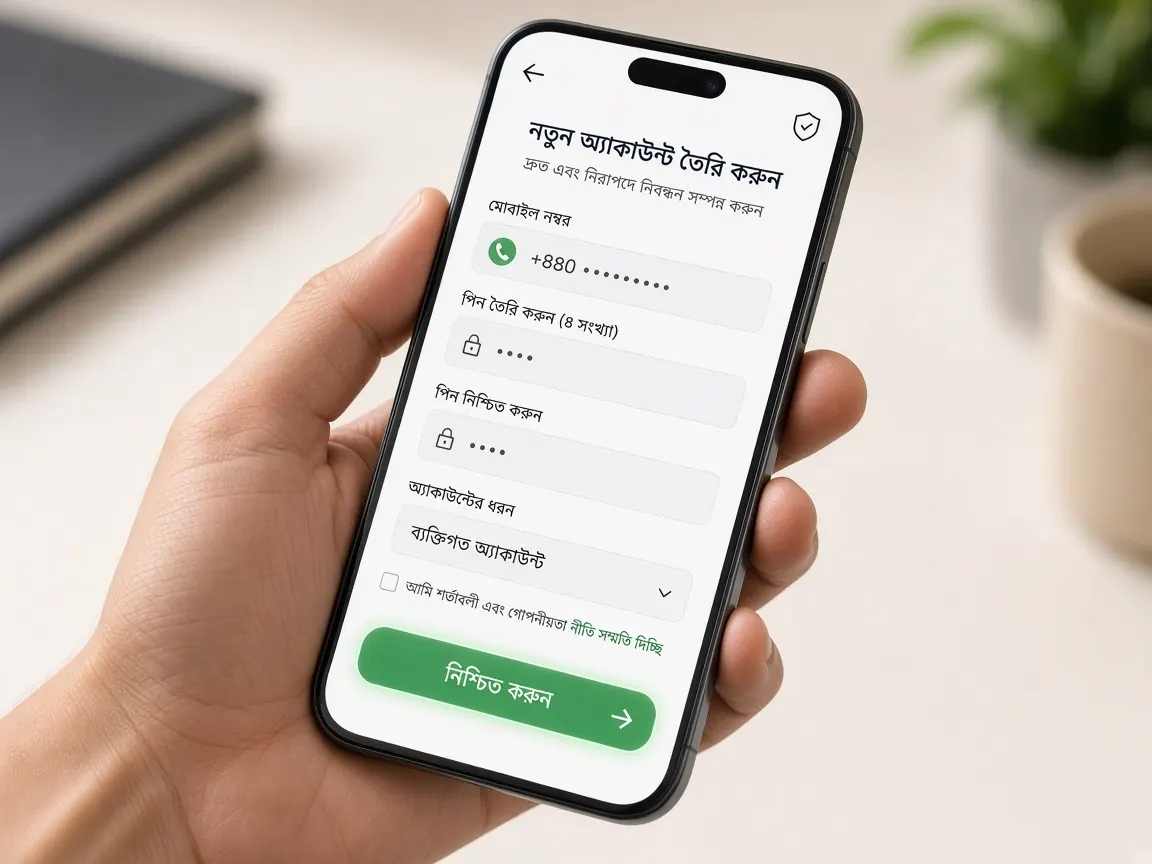
You opened your account on day two and logged in for the first time on day three. But a few days later you open the lobby and the password just won't come back to you. This is very common in the first week, especially on day six when you log in to the new app. There's nothing to panic about. This page covers which days it tends to happen and why, how to set a new password inside the lobby, and where to stop. Remember, this guide site has no login or reset form; everything happens only in the official lobby.
What should I do first if I can't remember my password?
First rule: stop guessing over and over. After three or four wrong tries, many lobbies may lock the account for a while, and that only makes more work. Before going to reset, spend a minute on these checks:
- The address: did you open the lobby from your bookmark? Compare it with the real address you noted on day one. On some other page you reached from search, it's normal for your password not to work.
- The keyboard: with a Bangla keyboard or caps lock on, a correct password still shows as wrong. If there's an eye icon, tap it to see what you're typing.
- Number or username: are you typing it exactly as you did on registration day? Extra spaces at the start or end won't match.
- Saved password: if you saved it in your own phone's browser, it may be in the passwords section of settings. Don't go looking for this on a shared phone.
If it still doesn't work after these checks, stop trying and go straight to reset.
How do I set a new password with "Forgot password" in the lobby?
- Open the lobby from your bookmark. Or use the button on this page. Go to the login screen.
- Find the "Forgot password" link. It's usually small text under or beside the password field. The wording may differ slightly in the lobby.
- Enter your registered number or details. Only what the lobby asks for. You'll need the number you opened the account with on day two.
- Type the code yourself. If a code arrives on your phone, enter it only in the lobby's field. Don't read it out to anyone or send a screenshot.
- Enter the new password, twice. It shouldn't resemble any earlier password, or one you use on another site.
- Log out once and log back in straight away. Just as you did on day three. This confirms the new password works.
To go over the full login steps again, open the day three login lesson.
What if the reset code or OTP doesn't arrive?
Don't keep pressing "resend" because the code hasn't come. Check in this order:
- Is the registered SIM in this phone, and does it have signal?
- Is your message inbox full? Delete old messages to make room.
- If your phone has a spam or block list, did the message end up there?
- Wait a little, then press "resend" once.
If it still doesn't arrive, tell the lobby's live chat. What to write is in the section below.
What if I no longer have my registered number?
If your SIM is lost or your number has changed, resetting on your own can be difficult. Then the live chat inside the lobby is the only right path. The chat icon you found on day three is often visible even without logging in. Write clearly in one message:
- Your username or account ID, if you remember it
- Your old registered number
- What happened: you forgot your password and no code is reaching the old number
Support may ask for some details to confirm who you are; that's under the lobby's rules. But never type your old or new password, wallet PIN or any other OTP in the chat. Examples of short, clear messages are in the support lesson.
And if someone in Facebook comments, Telegram or SMS calls themselves "support" or an "agent" and says "I'll reset your password for you", don't reply. What they really want is your code, and with it they can get into the account themselves. Real support is only in the chat inside the lobby.
On which days of the first week do passwords get lost most?
In our seven-day plan it happens most at three moments, and each one has a small precaution you can take in advance:
- Day two to day three: in the excitement of registering, the password gets made in a hurry. On registration day itself, log out once and log back in to check.
- Day four: on first-deposit day many people log in from another phone or browser where the password isn't saved.
- Day six: you log in to the new app for the first time, and the browser's saved password isn't there. Before installing the app, check you remember the password; the app steps are in the day six lesson.
What should my new password look like, and where do I keep it?
Make the new password something only you could guess: not your name, date of birth or mobile number. Mix letters, numbers and symbols and make it a bit long. Keep it in your own phone's password manager, or written on paper somewhere safe at home. Not in a note everyone can see, like your deposit log. More habits for keeping your account safe are in the security lesson.
On the day you change your password, don't be in a hurry to play. Log in with the new password, check your balance and profile look right, and that's it.
Password reset questions
Will resetting delete my balance or history?
Changing your password only changes the key you use to get in. Log in with the new password and check for yourself that your balance and deposit records look as before. If anything seems off, tell live chat.
It says my account is temporarily locked. What do I do?
Don't try again. Take a screenshot of the message the lobby shows, and show it in live chat to ask what the next step is.
I can log in on the browser but not in the app. Why?
Often the browser is using an old saved password, or the number is being typed differently in the app. Check the app came from the lobby button, then if needed reset and use the new password in both places.
Is it a problem to share one account with a family member?
Avoid it. An account and password should be yours alone. When shared, you can't tell who did what and when, and keeping your own limits gets harder; limits are covered on the responsible play page.
Reset your password in the official lobby
This is not the official site, only a learning guide. Login, reset and all account actions happen only in the official lobby. 18+ only; play within your own limits.