
TK999 account security: seven habits, day by day through your first week
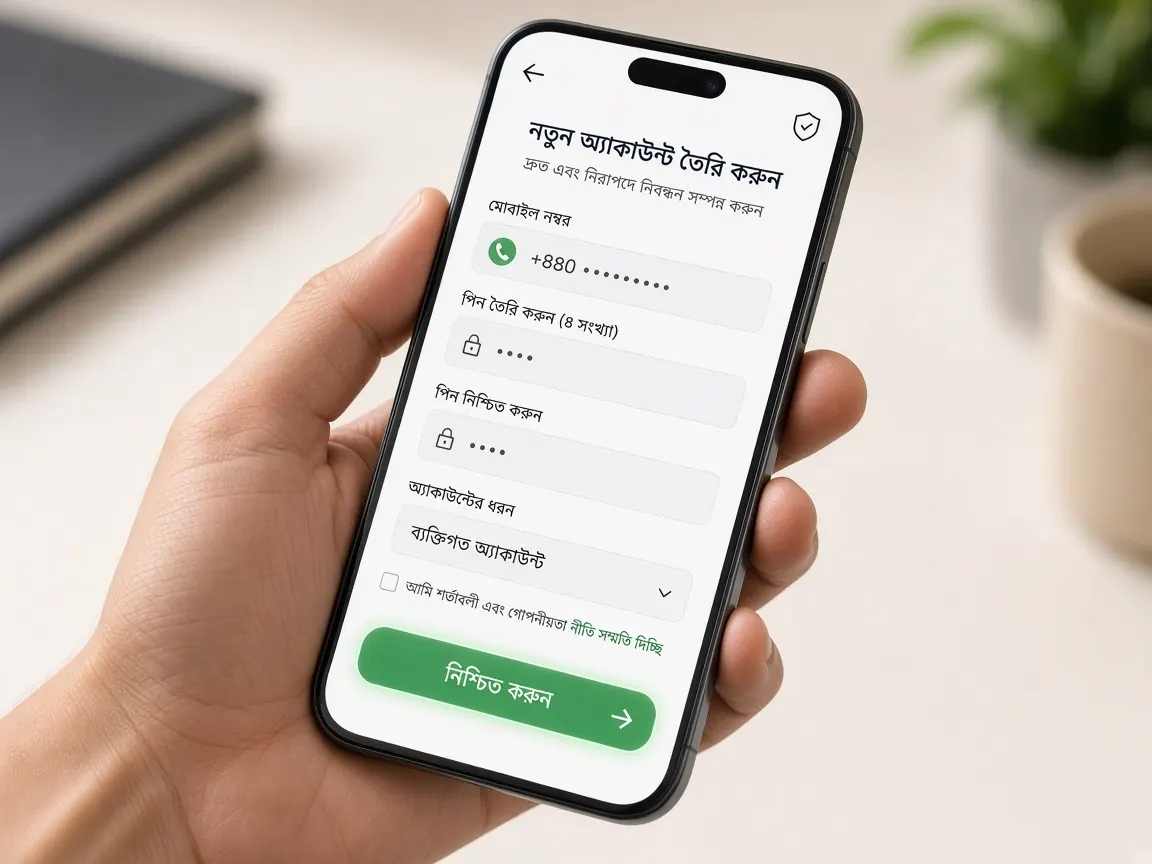
Account security isn't something you finish by switching on one setting; it is the sum of a few small habits. So this page attaches one security habit to each day of your first week. If you are already midway through the week, catch up on the earlier days' habits today. A note first: this is an independent guide site, not TK999's official site. There is no login form here, and we never ask for your password or codes.
Day 1: why is bookmarking the real address the first security step?
Most accounts are not lost through some clever trick, but because people type their own password into a fake page. Fake pages copy the colours, logo and buttons; the difference is one or two letters in the address. So the day 1 habit is:
- Check the real address once and bookmark it, and from then on open the lobby only from that bookmark or this guide's button.
- Don't log in through the first search result or a link someone sends you.
- Before typing your password each time, glance at the address bar for a second.
The detailed way to check the address is in the real address lesson. Give the bookmark a name you will recognise easily, and add it to your phone's home screen so you don't have to hunt for it each time. Even if a family member sends a "new link", go in through your own bookmark rather than that link; whoever sent it may have fallen for a fake page themselves.
Days 2 and 3: how do I keep my password and login safe?
The password you chose when opening your account on day 2 is your main key. Ask yourself three questions: have I used this on another site? Does it contain my name, birthday or mobile number? Does anyone else know it? If the answer to any of them is "yes", go to the lobby's profile or settings and change it.
On day 3, during your first login, add a few more habits:
- OTPs go only in the lobby's box. Don't tell anyone the code that arrives on your phone: not a friend, an "agent" or someone claiming to be support.
- Be careful on shared devices. If you log in on someone else's phone or a shop computer, log out afterwards and don't let the browser save the password.
- Screen lock on your phone. With the lobby open on your phone, the phone itself becomes the key, so keep a PIN, pattern or fingerprint lock on.
Day 4: what information should I never give during my first deposit?
Once money is involved, scammers get more interested. The day 4 rules are simple:
- Enter your bKash, Nagad or Rocket PIN only in the wallet's own app or page. Never in the lobby chat, a message or a call.
- Deposits go only through the path the lobby cashier shows. If someone gives a personal number and says "send it here", that is not the lobby's path.
- Before sending a receipt screenshot to anyone, check whether it shows your balance or other personal details.
The "deposit log" you start keeping on day 4 is part of security too. If you later see a transaction you don't recognise, comparing it with your log tells you which ones are yours and which aren't.
Day 5: how do my profile, verification and limits relate to security?
On day 5 you set your own spending and time limits. On the same day, look over your profile once:
- Mobile number: is the number saved in your profile your own, on an active SIM? If you lose your password, the code goes to this number.
- Name and details: if the lobby asks for your name or other details, give accurate ones. Wrong details cause trouble if verification is needed later for a withdrawal. How it works is in the account verification lesson.
- Limit settings: if the lobby has deposit or time limits, switch them on. Even if someone gets into your account, these limits can be an extra obstacle.
Advice on setting limits is on the responsible play page.
Day 6: if I get the app, how do I keep my phone safe?
The app is optional. If you want it, one security rule matters most: get the app only from the button inside the lobby. Don't install files sent on Telegram, WhatsApp or in any message; such files can look like the real app but may watch your messages or wallet details. If the app asks for unusual permissions during install (such as reading all your messages), stop. The steps are in the app lesson.
Open the official lobby to bookmark it
Day 7 and after: what do I do if I see an unknown login or transaction?
In the day 7 review, do a five-minute security check: is the bookmark right, are you the only one who knows the password, which devices are you logged in on, and is everything in your transaction and bet history familiar? After that, make this check a monthly habit.
If you see something you didn't do, such as an unknown deposit or withdrawal request, unknown bets or changed profile details, work in this order:
- Log in to the lobby from your bookmarked address and change your password straight away.
- Log out of any other devices you were logged in on.
- Report it in the lobby's live chat with the date, time and transaction or bet ID, plus screenshots.
- If your wallet is on the same phone, report it to the wallet's own help section as well.
If someone from outside turns up at this point offering to "recover your account", don't respond. The patterns of traps like this are in the fake site lesson.
Account security questions
Will lobby support ever ask for my password or OTP?
There is no need to give anyone your password, OTP or wallet PIN. If someone asks, treat it as suspicious and end the conversation there. Sharing your username or a transaction ID is fine.
How often should I change my password?
There is no fixed rule. But change it immediately if you see anything suspicious, log in on someone else's device, or tell it to someone by mistake.
Can a family member play on my account?
It is safer not to share your account. Anyone who knows the password can also see your balance and details, and later it is hard to tell whose bet was whose. The lobby's terms may also have rules on this.
What do I do first if I lose my phone?
Log in at your bookmarked address from another device, change your password, then tell the lobby's live chat. Contact your mobile operator's customer care to block the SIM, and your wallet's help section for the wallet.
What if I get a message saying "your account will be closed"?
Don't tap the link in the message. Go into the lobby from your bookmark and see for yourself whether there is any notice, and if you are unsure, ask in the lobby's live chat.
This is not an official site, only a learning guide. Your account, password and security settings exist only in the official lobby. 18+ only; keep to your time and money limits.