
TK999 withdrawal pending: what to do day by day when your day-seven request is stuck
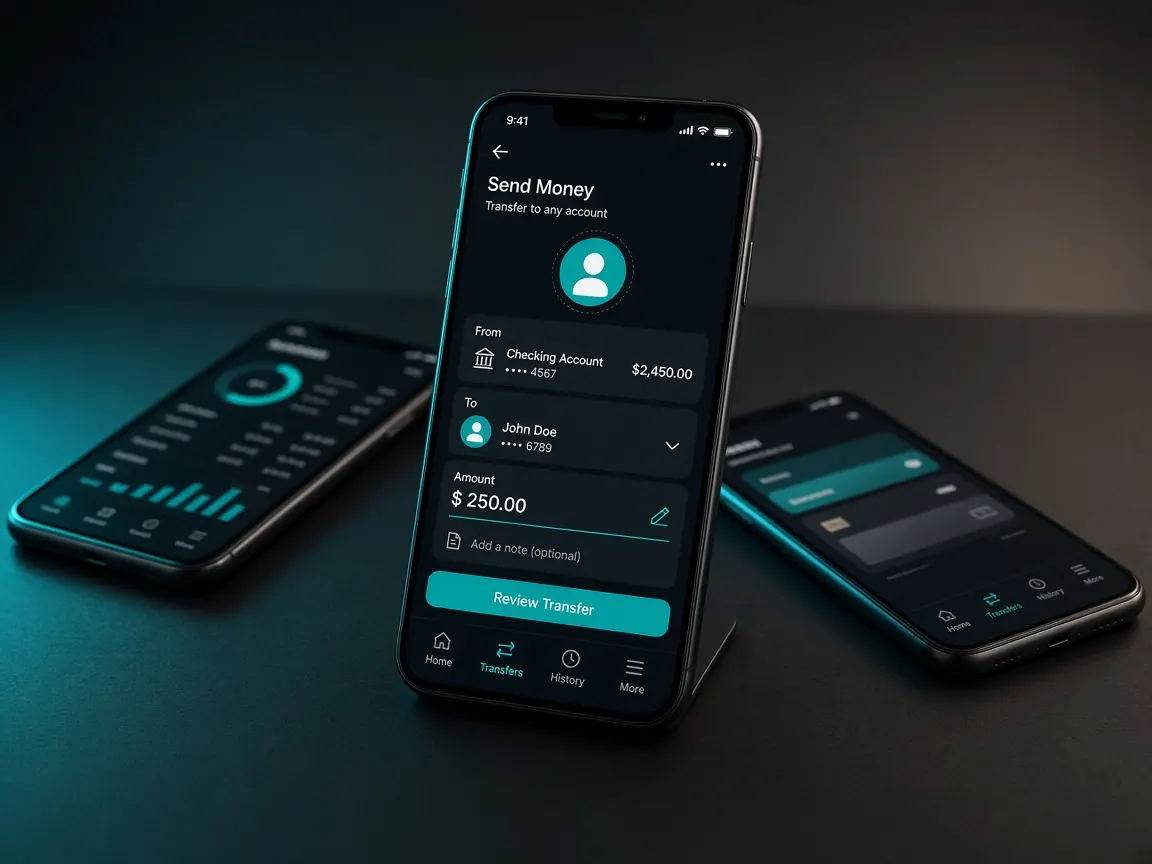
On the last day of the week you sent your first withdrawal request. The request shows in the cashier, but next to it says "pending" or "processing", and nothing has reached your wallet yet. On a first withdrawal, this wait makes a lot of people restless. This page splits the waiting time up: what to check on the evening you applied, what to do the next morning, and how to move forward if it still isn't settled. There are no promised times here, because only the lobby decides that. This guide site doesn't hold or release any money.
What shouldn't I do in the first hour if a withdrawal shows "pending"?
Early mistakes are what make problems bigger later. So first, know what not to do right now:
- No second request. Sending another request for the same amount doesn't speed up the first; it just gives you two records to match.
- No cancelling and resending. Even if there's a cancel button, don't press it until support tells you to. You don't know whether a new request starts again from the back of the line.
- No new deposit. There's no need to send money "to keep the account active" because a withdrawal is stuck.
- No outside help. Searching search engines or social media for "withdrawal fix" raises the risk of reaching the wrong people. If someone on Telegram, Facebook or SMS calls themselves an "agent" and says "pay a fee and I'll release it", don't reply; they want a fee, a deposit to a new number or your OTP. There's no route other than the lobby cashier and the chat inside the lobby.
What should I check in the cashier record on the evening I applied?
Open the withdrawal history or record section in the lobby cashier (whatever the lobby calls it). Open the request, check the fields below one by one, and take a screenshot of the whole screen:
- Request number: does it match the one you wrote in the "withdrawal" column of your deposit log on day seven?
- Amount: exactly what you entered?
- Method and recipient number: is the wallet name right, and does every digit match your own number? If one digit is wrong, telling support now is important.
- Any note next to the status: sometimes there's a short line, such as some information still being needed. Copy it word for word into your log.
Also look once at the transaction history in your own wallet app. Sometimes the money reaches the wallet but the lobby's status takes longer to change.
Can bonus terms or account verification hold a request back?
They can, and on a first withdrawal these two come up most often. But don't guess; check in the lobby:
- Bonus: if you turned on an offer on day five, such as a 100% first deposit match, look for its terms progress in the promotions or profile section. The terms as shown in the lobby are final. If you've forgotten what the words mean, look at the bonus lesson again.
- Verification: does any field in the lobby's verification or profile section show as "pending", or has a message arrived in the lobby's notifications? How to take the photos and where to upload them is in the account verification lesson.
- Profile name and wallet name: if they belong to two different people, questions may come up. That's why on day four we suggested using a wallet in your own name.
What do I write in live chat about a withdrawal?
If you've checked the record and can't find a reason, open the live chat inside the lobby. Give everything in one message:
- Account ID or username
- Withdrawal request number, amount and method
- Roughly when you applied
- A screenshot of the cashier record
- One simple question: "What state is this request in, and is anything still needed from my side?"
Don't type your password, OTP or wallet PIN. If support gives you a ticket or reference number, copy it into your log. More examples of polite, short messages are in the support lesson.
Open the lobby cashier and live chat
What if it's still pending the next morning?
In the morning, first check the cashier record and your wallet history again. If nothing has changed:
- Follow up in the same chat. Don't open a new chat and retell the whole story; give the earlier reference number and ask whether there's an update.
- If support asks for something, give it inside the lobby. Documents go in the lobby's own upload section, not in an outside chat app.
- Only cancel and reapply if support tells you to. And fix the earlier mistake, such as a wrong digit, in the new request.
- Write down every conversation in your log. Date, what was said and the reference. If it goes on for a few days, these notes are what help most.
For next time, see which preparation cuts down on this kind of hold-up in the withdrawal preparation lesson.
Should I start playing again while I wait?
This is a question about being honest with yourself. When a withdrawal is held up, many people get frustrated, cancel the request, start playing with that money again and regret it later. The whole point of the day-seven review was to stop and look. Treat the waiting days as a break. Ways to keep your time and money limits are on the responsible play page.
Withdrawal pending questions
The amount left my balance while pending. Is that normal?
What your balance shows after applying follows the lobby's own rules. Take screenshots of both your balance and the withdrawal record. If something doesn't add up, show them in live chat and ask.
The request shows "successful" but there's no money in my wallet. What do I do?
First, check your wallet app history and the recipient number again. If those are right, tell live chat with a screenshot of the successful status and the request number.
The request shows cancelled. Where did the money go?
If a reason is written next to the cancellation, read it, and check your lobby balance. If you don't understand the reason or the balance looks wrong, ask support with screenshots before you apply again.
Can I withdraw to someone else's wallet?
Avoid it. Withdrawing to a wallet in your own name raises fewer questions. If you must use another number, check the lobby's rules in live chat first.
Why does the app show one status and the browser another?
First refresh in both places, or log out and back in. Also check that the app is the one you got from the lobby button on day six. If they still differ, take screenshots of both, tell live chat and ask support which one is correct. Don't send a new request in the meantime.
See your withdrawal record in the official lobby
This is not the official site, only a learning guide. Withdrawal requests, status and terms are visible only in the official lobby's cashier. 18+ only; play within your own limits.